Backup every day Schedule set on screen, no crontab editing.
Nexus · TektAxis product 01
Order in your network
Daily, versioned backups of routers, OLTs and switches, on your own server, with a cloud copy in the same folder tree.
Every night Nexus files the configuration of each router  , OLT
, OLT  and switch
  in the right folder.
Features
Built for the NOC
On your server A VM on your network, over IPv4 and IPv6.
Access profiles Admin and read-only per group.
History per device Every night becomes a version you can open.
Line-by-line diff What changed, when and on which device.
Cloud without the mess The folder tree arrives exactly as it is on disk.
Encrypted passwords and tokens Local key, kept out of the database.
What changed tonight
routers/BNG-01 today 02:00 vs yesterday 02:00
/ppp profile- set *0 local-address=10.10.0.1 dns-server=8.8.8.8+ set *0 local-address=10.10.0.1 dns-server=10.10.0.53,8.8.8.8/ip route+ add dst-address=0.0.0.0/0 gateway=203.0.113.1 distance=2 comment="link-backup"
MikroTik RouterOS · collected over SSH at 02:00:07 · 3 lines changed
How it works
From device to cloud
Three steps, every night, without anyone having to remember.
- 01
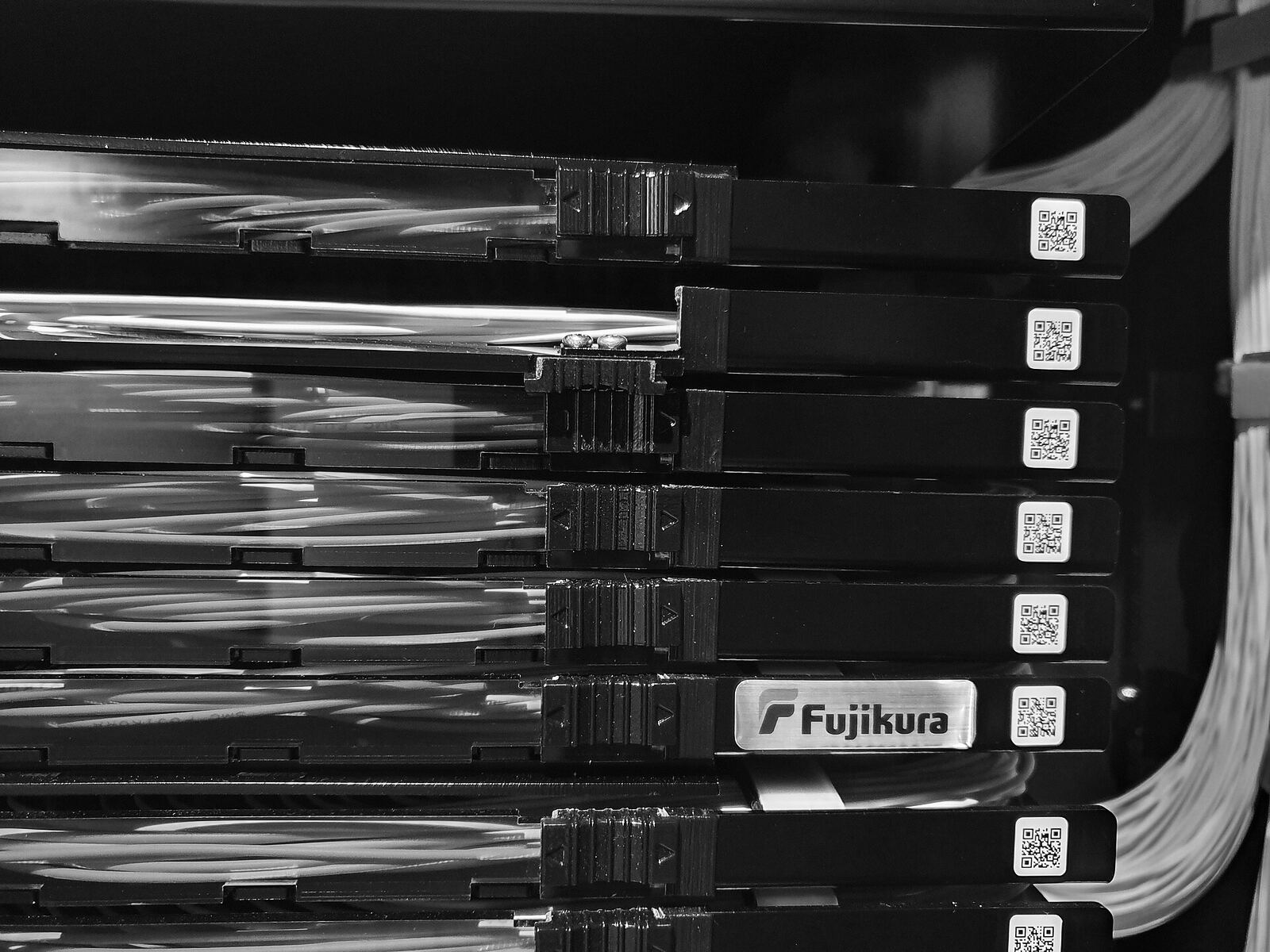
Collected
At 02:00 Nexus logs into each device over SSH or Telnet and reads its configuration.
- 02
Versioned
Each device gets its own file, inside its group, with its version history.
- 03
Exported
A copy goes to Google Drive, OneDrive, Dropbox, FTP, SFTP, WebDAV or S3, with the same folders and names.
Supported vendors
Models ready in Nexus, with the name you use when adding a device.
Routers and BNG
- MikroTik RouterOS
- routeros
- Huawei VRP
- vrp
- Juniper Junos
- junos
- Cisco IOS and IOS XR
- ios · iosxr
- Nokia SR OS
- sros
- Ubiquiti EdgeOS
- edgeos
OLTs
- VSOL
- vsol
- Huawei SmartAX
- smartax
- ZTE
- zteolt
- Fiberhome
- zhoneolt
Switches
- Datacom DmOS
- datacom
- Cisco NX-OS
- nxos
- HPE Comware
- comware
- D-Link
- dlink
Firewalls and radios
- Hillstone StoneOS
- stoneos
- Fortinet FortiOS
- fortios
- pfSense and OPNsense
- pfsense · opnsense
- Ubiquiti airOS
- airos
199 models in the Nexus engine. Don't see yours? It can be added through the catalog.
Straight answers
Your dataDo the configurations leave my network?
No. Nexus runs on a VM installed on your server and collects everything from inside your network. Only what you choose goes to the cloud, to the destination you pick.
CloudDo I need to create a Google API to use Drive?
No. You click connect, open google.com/device on your phone, type the code shown on screen and authorize. OneDrive works the same way. Dropbox just asks you to paste a code. Nexus only accesses the folders it creates itself, and the access stays on your server. Details in the Privacy Policy.
FoldersCan I find the files by name in the cloud?
Yes. Uploads keep the group/device tree with the original names, without zipping or scrambling. Opening OLT-03 on Drive means opening the olts folder and clicking it.
DevicesMy vendor isn't on the list. What now?
The Nexus engine ships with 199 models and accepts new ones through the catalog. Send us the vendor and the OS version and we'll look at your case.
SetupHow does Nexus get to my network?
We deliver the VM ready to go and install it on your server. Then you open the server address on port 8888, add your devices and pick the backup time.
AccessWho on the team can see the configurations?
Each user has a profile. Administrators add devices, users and destinations. Read-only profiles see only the groups granted to them.

Put your network in order
We show Nexus running with your own devices on a 30-minute call.
I want a demoDemo
See Nexus with your own devices
Tell us how many devices you have. We reply within one business day with a date for the demo.
WhatsApp+55 71 99279-2321